2026-04-20
Master plugin selection for better server performance
Learn a step-by-step plugin selection process for Minecraft and Hytale servers. Keep your stack lean at 10-15 plugins for peak performance and stability.

Master plugin selection for better server performance
Choosing the wrong plugins is one of the fastest ways to wreck a server you've spent weeks building. Lag spikes, unexpected crashes, permission conflicts, and frustrated players are all symptoms of a rushed plugin stack. Whether you're running a Minecraft survival network or preparing for a Hytale launch, the plugins you choose directly shape performance, security, and community satisfaction. There's no universal "best list" that fits every server, but there is a repeatable, proven process that keeps your stack lean, stable, and scalable. This guide walks you through that process step by step.
Table of Contents
- Understand your server's needs and baseline
- Find and evaluate candidate plugins
- Test plugins safely: staging and compatibility checks
- Optimize, monitor, and avoid common pitfalls
- A new era: Adapting plugin selection for Hytale and evolving Minecraft
- Streamline your server with expert-approved plugins
- Frequently asked questions
Key Takeaways
| Point | Details |
|---|---|
| Start with server needs | Identify required features and only select plugins that align with your community goals. |
| Vet plugins carefully | Choose plugins from reputable sources and always review developer history and updates. |
| Test before deploying | Install one plugin at a time on a staging server and monitor its impact using profiling tools like Spark. |
| Monitor and adjust | Use server analytics to continually optimize your plugin stack for stability and performance. |
Understand your server's needs and baseline
Before you install anything, you need a clear picture of what your server actually requires. It sounds obvious, but most admins skip this step and end up with a bloated stack full of overlapping features and unused commands. Start by asking: what does your community need to play, what do you need to manage the server, and what performance constraints are you working within?
Map out three categories of needs:
- Gameplay plugins: Anti-grief tools, economy systems, minigames, custom mobs, or world management
- Admin plugins: Permissions, moderation, logging, and ban management
- Performance plugins: Chunk loaders, async task managers, and optimization utilities
Once you have that list, audit your current server specs. Note your RAM allocation, CPU thread count, player capacity, and current TPS (ticks per second, the core measure of server smoothness). This baseline tells you how much headroom you have before plugins start eating into performance.
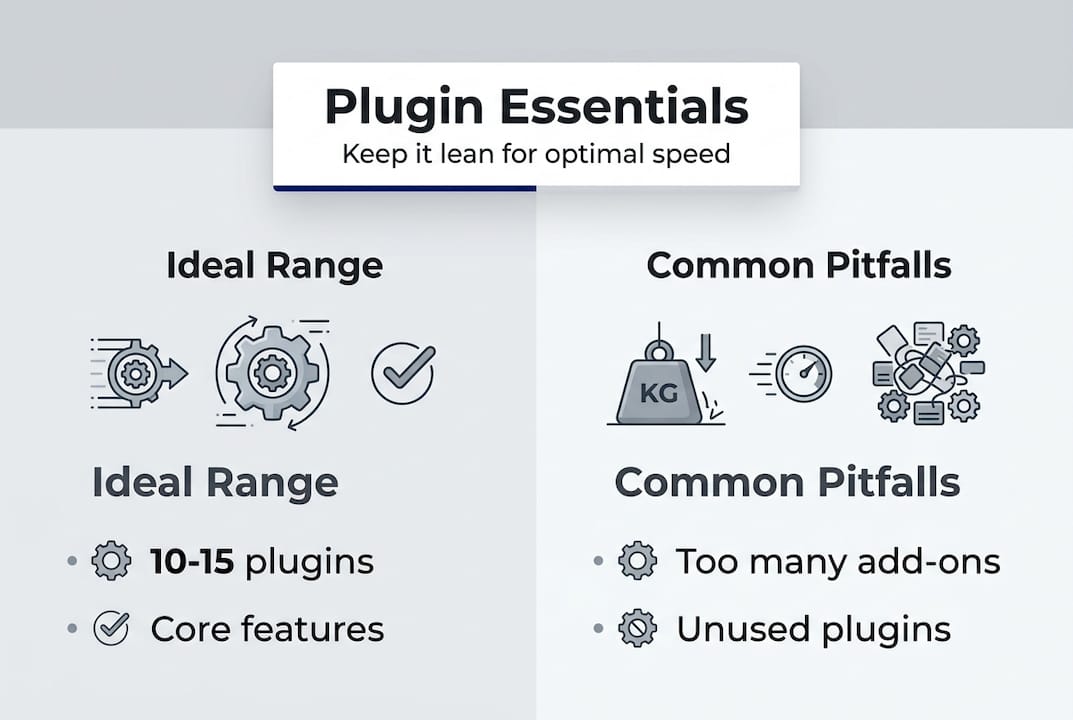
The target range that experienced admins consistently land on is 10 to 15 essential plugins. Going beyond that range without careful planning causes measurable lag, especially on shared hosting. Every plugin adds event listeners, scheduled tasks, and database calls. The more you stack, the more those costs compound.
Here's a quick reference for trusted plugin sources:
| Platform | Minecraft | Hytale |
|---|---|---|
| Primary | SpigotMC, Hangar, Modrinth | CurseForge, Nitrado |
| Secondary | GitHub (verified devs) | Official Hytale forums |
| Avoid | Random Discord links, cracked JARs | Unverified third-party sites |
Set clear goals before you move forward. Are you prioritizing stability for a high-traffic server? Adding features for a new game mode? Improving admin workflow? Your goals determine which plugins make the cut and which ones stay off the list.
Pro Tip: Write your plugin goals on a shared doc with your mod team before installing anything. Alignment upfront prevents "feature creep" installs that quietly destroy performance over time.
Find and evaluate candidate plugins
With your needs mapped out, you're ready to locate and evaluate specific plugins. Not all plugins are equal, and the gap between a well-maintained plugin and an abandoned one can mean the difference between a stable server and a weekly crash cycle.
Here's a numbered process for vetting each candidate:
- Check the source. Only pull plugins from SpigotMC, Hangar, Modrinth, or CurseForge. For Hytale, stick to Nitrado-recommended sources or official channels.
- Verify the last update date. A plugin that hasn't been updated in 12 or more months is a compatibility risk, especially after major version bumps.
- Read the reviews. Look for patterns: repeated mentions of memory leaks, broken commands, or unresponsive developers are red flags.
- Check compatibility explicitly. Confirm the plugin supports your exact server version, whether that's Paper 1.21, Spigot 1.20, or a Hytale build.
- Scan for dependencies. Some plugins require other plugins to run. Make sure you account for those in your stack count.
For Minecraft, the community staples are EssentialsX for core commands, LuckPerms for permissions, and WorldGuard for region protection. These three alone cover most admin and gameplay needs for a new server. The plugin vetting process also recommends verifying developer reputation and update history before committing.
| Criteria | Green flag | Red flag |
|---|---|---|
| Update frequency | Monthly or recent | Over 12 months stale |
| Developer response | Active on forums/Discord | No replies to bug reports |
| Download count | Thousands with reviews | Under 100, no reviews |
| Source | SpigotMC, Modrinth | Unknown site, cracked JAR |
Security is non-negotiable here. Paid JARs from non-reputable sources are a known vector for malware on Minecraft servers. If a plugin is being offered for free from an unofficial source when it's normally paid, treat it as compromised until proven otherwise.
Pro Tip: Cross-reference any plugin you're considering against the developer's GitHub page. Active commit history and open issue tracking are strong signals of a healthy, trustworthy project.
Test plugins safely: staging and compatibility checks
Shortlisting plugins is only half the work. Before anything touches your live server, it needs to pass a controlled test. Skipping this step is where most server admins learn expensive lessons.

Set up a staging server that mirrors your production environment as closely as possible. Same server software version, same world type, same RAM allocation. This isn't optional. Testing on a different environment gives you unreliable results.
Follow this testing sequence:
- Start with a clean staging server running only your base software (Paper, Spigot, or your Hytale equivalent).
- Install one plugin at a time. Never batch install.
- Restart the server after each install and check the console for errors.
- Run the Spark profiler to capture TPS, RAM usage, and CPU load before and after each addition.
- Simulate realistic player activity: join the server, trigger the plugin's features, stress test commands.
- If anything breaks, roll back that plugin before moving to the next one.
> "Testing one plugin at a time on staging servers prevents catastrophic crashes and makes it easier to spot conflicts or performance issues."
Watch specifically for command conflicts (two plugins registering the same command), event overlap (multiple plugins listening to the same game event), and dependency mismatches. These are the most common sources of instability and they're nearly impossible to diagnose when you've batch-installed ten plugins at once.
Server failure and lag commonly result from poor compatibility or conflicts between plugins and their dependencies. The Spark profiler is your best tool for catching this early. If TPS drops below 18 after adding a plugin, that plugin is a problem. Healthy servers run at a steady 20 TPS.
For deeper insights on measuring plugin impact on your server's runtime, it helps to have a clear baseline recorded before you begin testing. That way, any deviation is immediately visible.
Pro Tip: Keep a simple spreadsheet logging each plugin you test, the TPS before and after, any errors in console, and your final decision. This becomes invaluable when you revisit your stack months later.
Optimize, monitor, and avoid common pitfalls
Plugins installed and tested on staging? Good. But the work doesn't stop at deployment. Ongoing monitoring is what separates servers that stay stable from those that slowly degrade over weeks.
After pushing plugins to your live server, watch these metrics closely for the first 48 to 72 hours:
- TPS: Should stay at or near 20. Anything below 17 under normal load needs investigation.
- RAM usage: Track peak and average usage. Unexpected spikes often point to memory leaks in a specific plugin.
- CPU load: Consistent high CPU usage, especially during low-player periods, usually signals a runaway scheduled task.
- Startup time: Slower restarts after adding a plugin can indicate heavy initialization processes.
Over-plugging beyond 10 to 15 causes noticeable lag, with optimization tools showing gains of 0.5 to 3 TPS and up to 50% RAM reduction when bloated stacks are trimmed. Those numbers vary by setup, but the direction is consistent: leaner stacks perform better.
Remove or disable plugins you're not actively using. An inactive plugin still loads on startup, registers listeners, and consumes memory. There's no benefit to keeping it around.
Be cautious with mob-stacking plugins and certain chunk management tools. These solve real problems but can introduce new ones if configured poorly. Read the Hytale server manual for platform-specific guidance, especially around view distance and TPS monitoring when adding content packs or plugins to Hytale environments.
For server performance monitoring at scale, having automated alerts for TPS drops and RAM thresholds means you catch issues before players do, not after.
The most common pitfall? Admins add a plugin to fix a problem, forget to remove it after the problem is solved, and repeat this cycle until the server is running 40 plugins with half of them doing nothing useful.
A new era: Adapting plugin selection for Hytale and evolving Minecraft
Here's a perspective worth sitting with: Minecraft's plugin ecosystem is built on nearly a decade of community benchmarks, battle-tested tools, and established vetting norms. When you evaluate a Minecraft plugin, you're drawing on a deep well of shared knowledge. That context doesn't exist yet for Hytale.
Hytale's plugin model is fundamentally different. It blends server-side plugins with content packs in a hybrid architecture that doesn't map cleanly onto Minecraft conventions. Minecraft's mature ecosystem contrasts sharply with Hytale's emerging model, which prioritizes server-side security and hybrid pack structures. That means the instincts you've developed managing a Minecraft server may not transfer directly.
Our take: treat Hytale plugin selection like you're starting fresh. Lean on official sources, be conservative with third-party tools, and expect the norms to shift as the community matures. The admins who will thrive are those who build disciplined selection habits now, before the ecosystem gets noisy.
Both games are evolving. The process we've outlined here is designed to hold up regardless of which direction they go.
Streamline your server with expert-approved plugins
You've got the process. Now you need the right tools to execute it. Choosing plugins from a curated, performance-tested source removes a significant chunk of the uncertainty that comes with open marketplaces.
The ElitePlugins collection is built specifically for server admins who care about stability, scalability, and clean integration. Every plugin is developed with asynchronous architecture and optimized data handling in mind, so you're not trading performance for features. Whether you're building out a Minecraft network or preparing a Hytale server for launch, it's a practical starting point for a stack you can trust.
Frequently asked questions
How many plugins are optimal for a Minecraft server?
Aim for 10 to 15 essential plugins to maximize performance and maintain compatibility. Going beyond this range without careful planning introduces measurable lag and conflict risks.
What is the safest way to test new plugins?
Always test plugins one by one on a staging server identical to your live setup to prevent crashes or conflicts. Batch installs make it nearly impossible to isolate the source of any issue.
Which sources are trusted for Minecraft and Hytale plugins?
For Minecraft, use SpigotMC, Hangar, and Modrinth. For Hytale, rely on CurseForge and official channels. Avoid unverified third-party sites and cracked JARs under any circumstances.
How do you check if a plugin is affecting server performance?
Use Spark to monitor TPS, RAM, and CPU before and after installing each plugin. A drop below 18 TPS after a new install is a clear signal that plugin needs a closer look.
Recommended
More from the blog
2026-06-24
The Silent Server Killer: How Invisible Lag Destroys Player Retention (And How to Fix It)
Is your server lagging even though your TPS looks perfect? Discover the hidden bottlenecks driving your players away, and how to fix them.
2026-04-22
Plugin support explained: boost server performance & control
Learn what plugin support really means for your server, how it impacts performance and security, and how to choose the right plugins for reliable management.
2026-04-22
Plugin stability guide for reliable MC & HytaleServers
Learn what plugin stability really means for your MC and HytaleServers. This guide covers core mechanics, common causes of instability, and how to evaluate and maintain reliable plugins.