2026-04-19
Mastering plugin scalability: optimize Minecraft & Hytale servers
Learn how to optimize plugin scalability for Minecraft and Hytale servers with proven techniques, tools, and configurations that reduce lag and cut hosting costs.

Mastering plugin scalability: optimize Minecraft & Hytale servers
Most server admins blame hardware when players start complaining about lag. New RAM, faster CPUs, pricier hosting plans. But here's the uncomfortable reality: the bottleneck is usually sitting right inside your plugin stack. Poorly scaled plugins can choke even a high-end dedicated server, while a well-tuned setup on modest hardware can handle hundreds of concurrent players without breaking a sweat. Plugin scalability is the single most overlooked lever in server performance, and getting it right directly affects player retention, server stability, and your monthly hosting bill. This article walks you through practical, proven techniques for both Minecraft and Hytale environments.
Table of Contents
- What is plugin scalability and why does it matter?
- Core techniques for scalable Minecraft plugin management
- Scaling up: Solutions for large Minecraft networks
- Dynamic plugin scaling in Hytale: Approaches and tools
- Troubleshooting and optimizing plugin scalability
- Our take: Why clever plugin scaling wins where hardware fails
- Optimize your server scalability with ElitePlugins
- Frequently asked questions
Key Takeaways
| Point | Details |
|---|---|
| Optimize core settings | Tuning view distance and entity ranges in plugins delivers instant performance gains. |
| Scale for growth | Utilize proxies and data sync tools to handle larger networks and avoid data loss. |
| Automate Hytale management | Leverage plugins like Performance Saver for dynamic, real-time scaling as conditions change. |
| Diagnose early, fix fast | Profiling and troubleshooting plugins regularly prevents lag and keeps scaling efficient. |
What is plugin scalability and why does it matter?
Plugin scalability is your server's ability to maintain stable performance as player count, world size, and plugin interactions grow over time. It's not just about whether a plugin "works" at launch. It's about whether it still works cleanly when your server goes from 20 players to 200.
Think of it this way: a plugin that runs fine in isolation can become a serious problem when it's competing for resources with 15 other plugins and 150 active players. The math compounds fast. Each plugin adds event listeners, database calls, and scheduled tasks. When those aren't optimized, you get cascading lag that no hardware upgrade will fix.
Here's what poor plugin scalability actually looks like in practice:
- TPS drops during peak hours even though CPU usage looks normal
- Random disconnects caused by async thread conflicts between plugins
- Memory creep where RAM usage climbs steadily over hours without obvious cause
- World load spikes triggered by poorly timed plugin operations
- Database timeouts from unthrottled read/write loops
Scalable plugins, by contrast, use asynchronous operations, smart caching, and minimal event overhead. They're designed to grow with your server, not against it.
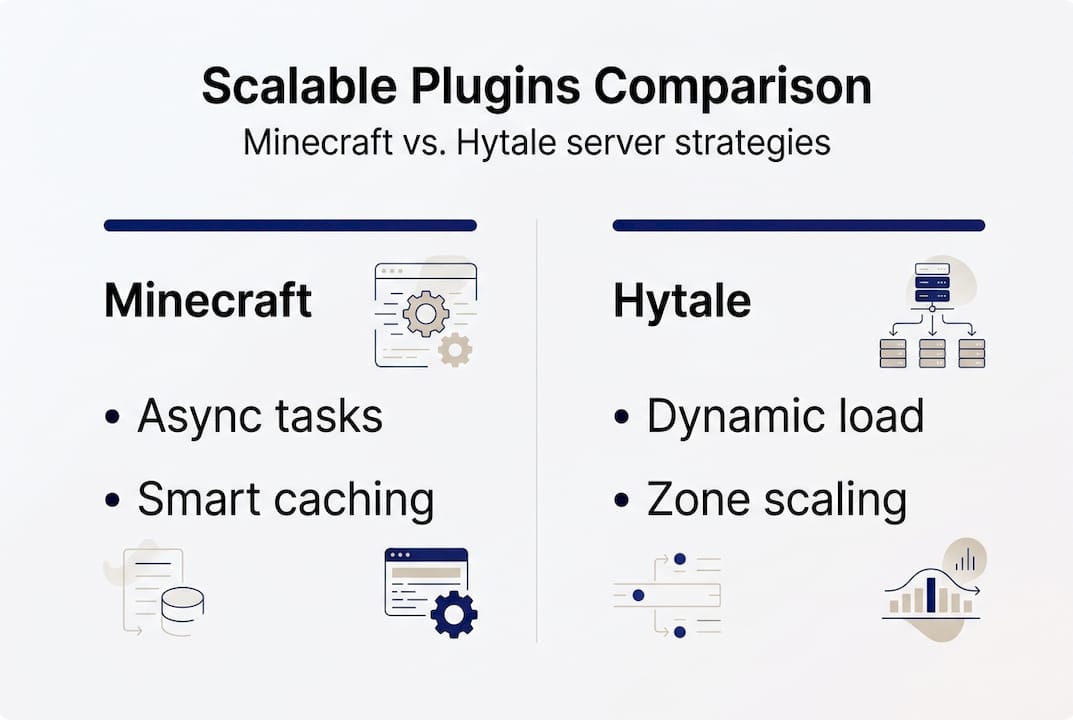
The distinction between Minecraft and Hytale ecosystems matters here. Minecraft's plugin ecosystem is mature and well-documented, with a wide range of profiling tools and community-tested configurations. Hytale's ecosystem is newer and more dynamic, requiring a different approach to scaling that leans heavily on real-time adjustments.
One foundational choice that shapes everything else: your server software. Paper over Spigot delivers 20 to 50% better TPS and higher player capacity through async chunk loading, optimized entity tracking, and better memory management. That single switch can transform how your plugins behave under load.
Pro Tip: Before adding any new plugin, ask yourself: does this plugin support async operations? Does it have configurable tick rates? If the answer to both is no, treat it as a potential scalability risk.
Core techniques for scalable Minecraft plugin management
With a practical understanding of scalability, let's get into the techniques you can actually use today.
The foundation is your server software. If you're still running Spigot, switching to Paper vs Spigot is the single highest-impact change you can make. Paper's async chunk loading and optimized entity tracking mean your plugins have more breathing room from the start.
Beyond that, these are the core configuration changes that make the biggest difference:
- Reduce view distance to 6 to 8 chunks. Most players won't notice, but your server absolutely will.
- Lower entity activation ranges. Set animals to 16 and monsters to 24 in your Paper config.
- Pre-generate your worlds using Chunky. Generation lag spikes during live play are brutal and entirely avoidable.
- Profile your plugin stack with Spark. Run it during peak hours to see exactly which plugins are eating your tick budget.
- Audit your scheduled tasks. Plugins that run tasks every tick (20 times per second) are often the hidden culprits.
Here's a quick reference for key Paper optimization settings:
| Setting | Default | Recommended | Impact |
|---|---|---|---|
| View distance | 10 chunks | 6 to 8 chunks | High |
| Animal activation range | 32 | 16 | Medium |
| Monster activation range | 32 | 24 | Medium |
| Hopper cooldown | 1 tick | 8 ticks | High |
| Merge radius (items) | 0.5 | 2.5 | Medium |
The Paper optimization guide specifically calls out hopper chains and mob farms as the most common plugin-adjacent bottlenecks. These aren't technically plugins, but they interact with plugin event systems constantly. Reducing hopper cooldown alone can recover significant TPS on survival servers.
> "Identify your actual bottleneck before you tune anything. Spark will show you exactly where your tick time is going. Guessing wastes time and often makes things worse."
Pro Tip: When resolving plugin inefficiencies, always profile before and after each change. One tweak at a time gives you clean data. Changing five things at once leaves you guessing what actually helped.
Scaling up: Solutions for large Minecraft networks
Effective individual server tuning is great, but large networks demand different, robust scaling methods.

Once you're managing a network with multiple game modes and hundreds of concurrent players, single-server optimization isn't enough. You need architectural solutions.
The two main approaches are vertical scaling (more powerful hardware on one machine) and horizontal scaling (spreading load across multiple servers). For most growing networks, horizontal scaling is the smarter long-term play. It removes single points of failure and lets you add capacity without downtime.
Here's how the two approaches compare:
| Approach | Best for | Risk level | Cost scaling |
|---|---|---|---|
| Vertical scaling | Small to mid networks | High (single point of failure) | Expensive |
| Horizontal scaling | Large networks | Low (distributed) | Flexible |
For horizontal scaling to work, you need a proxy layer. Velocity is currently the preferred choice over BungeeCord for performance and security reasons. It routes players across your backend servers cleanly, without exposing backend IPs.
Data syncing is where most networks run into trouble. When players move between servers, their inventory, stats, and progression need to follow them instantly and accurately. Redis-based syncing with tools like HuskSync, combined with per-server world isolation, prevents single points of failure and keeps data consistent.
Key practices for large-network data safety:
- Use Redis queues for all cross-server data operations
- Isolate worlds per server to prevent chunk conflicts
- Implement periodic batch saves as a fallback
- Test failover scenarios regularly, not just at launch
For extreme performance needs, custom forks like Minestom let you strip Minecraft down to exactly what your network needs. It's a significant development investment, but for networks running highly custom game modes, handling plugin inefficiencies at the framework level pays off.
> "Data duplication is the silent killer of large networks. A player who logs out mid-transfer can end up with duplicated items or a rolled-back inventory. Redis queues and event locks are your insurance policy."
Dynamic plugin scaling in Hytale: Approaches and tools
Now, let's turn to Hytale, a different engine with its own tactics for scaling plugins on the fly.
Hytale's architecture introduces unique challenges. The player base tends to be more spatially scattered across large zones, which creates irregular chunk load patterns that are harder to predict than Minecraft's more contained world structure. This makes static configuration less effective and dynamic adjustment more important.
The Performance Saver plugin is the go-to tool for automated scaling in Hytale. It caps TPS at 20 (with 5 empty ticks as buffer), automatically reduces view radius when CPU or RAM pressure rises, and triggers garbage collection when chunk load drops below safe thresholds. The key trigger points are TPS below 15 and heap usage above 85%.
Here's a practical reference for Performance Saver thresholds:
| Metric | Safe zone | Warning threshold | Auto-action triggered |
|---|---|---|---|
| TPS | 18 to 20 | Below 15 | View radius reduction |
| Heap usage | Below 75% | Above 85% | GC trigger |
| Chunk load rate | Stable | Sudden drop | GC + radius reduction |
Beyond the Performance Saver, here are the core dynamic scaling practices for Hytale:
- Monitor TPS and heap usage in real time using built-in Hytale server monitors
- Set auto-tuning rules that adjust view radius incrementally, not in sudden jumps
- Configure plugin tick rates to scale down during low-activity periods
- Test your thresholds under simulated load before going live
Pro Tip: Set your safety margins 10 to 15% below your actual limits. If your server starts struggling at 85% heap, trigger your auto-scaling at 70%. That buffer gives your plugins time to respond before players notice anything.
Troubleshooting and optimizing plugin scalability
Having learned proactive scaling methods, let's cover how to troubleshoot issues and keep your plugin stack optimized as your server evolves.
When something goes wrong, a systematic approach saves hours of guesswork. Here's a clean troubleshooting sequence:
- Run Spark during the problem window. Don't profile at 3 AM when the server is empty. Capture data when lag is actually happening.
- Sort by tick time contribution. The top three offenders in Spark are almost always your culprits.
- Disable suspect plugins one at a time. Confirm the impact before making permanent changes.
- Check your async thread pool. Plugins fighting over the same threads create lag that looks like CPU issues but isn't.
- Review your database query logs. Unindexed queries and connection pool exhaustion are common hidden bottlenecks.
For data safety during scaling operations, three practices are non-negotiable. Redis queues, batch saves, and event locks on player data events prevent the data duplication and loss that plague large networks during syncing operations.
Common scalability pain points and their fixes:
- Lag spikes on player join: Pre-generate spawn chunks and cache player data on login
- Memory creep: Audit plugins for unclosed database connections and leaked listeners
- TPS drops at set intervals: Look for scheduled tasks running on the main thread
- Cross-server data loss: Implement event locks and confirm Redis queue flushing
Future-proofing means planning for the next growth stage before you hit it. Use a server optimization guide as a baseline, then layer in your own profiling data to build a configuration that's specific to your plugin stack and player behavior.
Pro Tip: When identifying plugin inefficiencies, document your baseline metrics before any optimization work. Without a baseline, you can't measure improvement, and you can't justify infrastructure decisions to stakeholders.
Our take: Why clever plugin scaling wins where hardware fails
We've covered the practical how-to, but here's our real-world take on why this mindset shift makes the biggest difference.
The instinct to throw hardware at performance problems is understandable. It feels decisive. But in our experience, the servers that run the smoothest aren't the ones with the most RAM. They're the ones with the most disciplined plugin configurations.
Hardware upgrades have diminishing returns once you're past a certain threshold. A poorly configured plugin stack will find new ways to saturate whatever resources you give it. We've seen servers with 64GB RAM struggle at 80 players because of one unoptimized plugin running synchronous database calls on the main thread.
Conventional wisdom overestimates hardware and underestimates configuration. The admins who get the best results are the ones who treat profiling as a routine, not a crisis response. Profile weekly. Tune incrementally. Test every change under realistic load. That cycle, repeated consistently, compounds into a server that scales gracefully instead of one that surprises you at the worst possible moment.
Optimize your server scalability with ElitePlugins
Ready to put these insights into action? Here's your gateway to a scalable, lag-free server experience.
Everything covered in this article, async architecture, optimized data handling, smart scaling configurations, is built into the ElitePlugins plugin suite from the ground up. These aren't plugins bolted together and hoped for the best. They're engineered with scalability as a first-class requirement, designed to handle high concurrent player counts without sacrificing stability or ease of management.
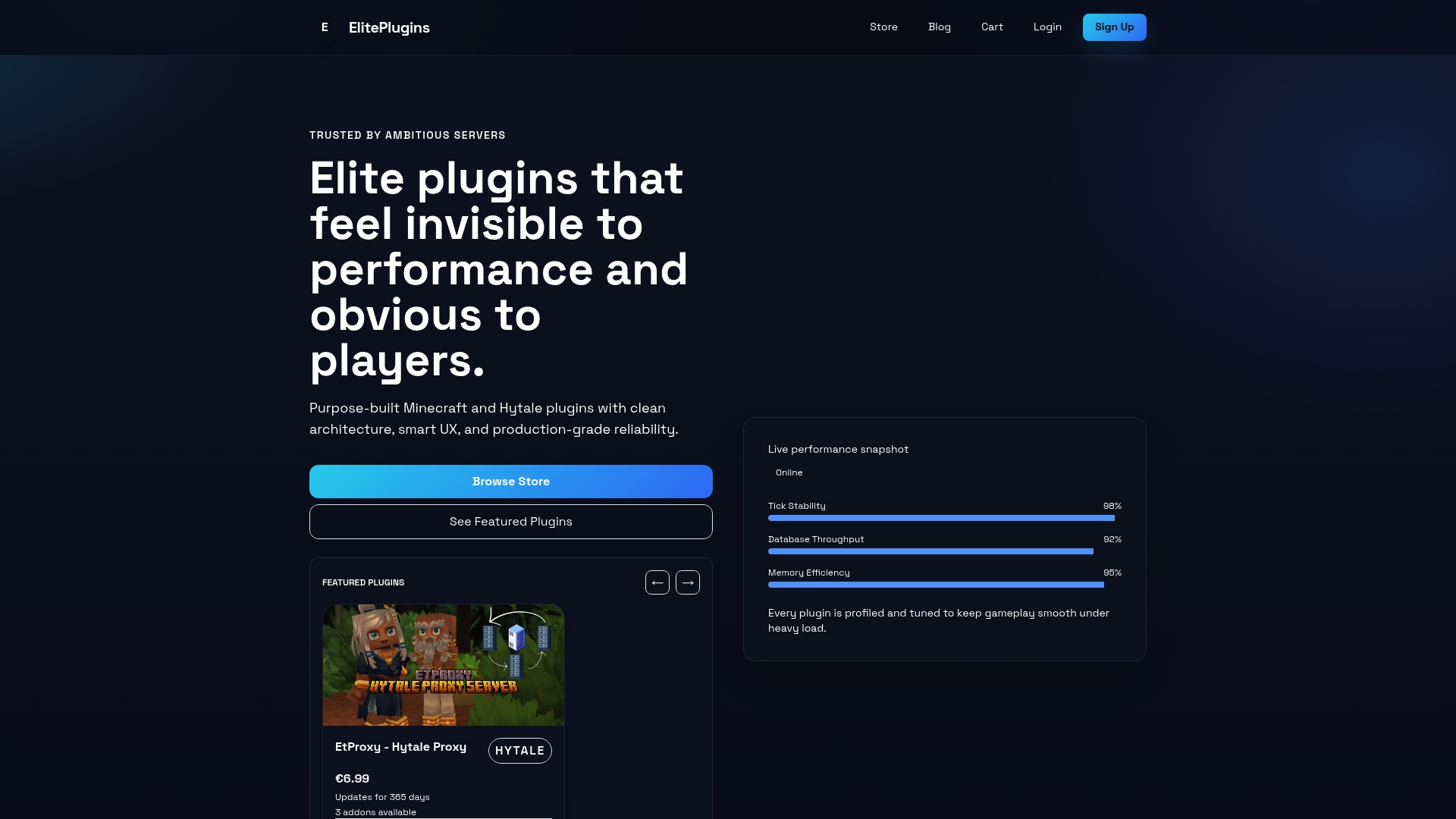
Whether you're running a growing Minecraft survival network or building out a Hytale game server, ElitePlugins gives you the tools to scale with confidence. Browse the full suite, check the live performance snapshots, and see exactly what your server infrastructure could look like with the right plugins in place.
Frequently asked questions
What plugins most commonly cause scalability issues in Minecraft?
Hopper-heavy automation, mob farms, and poorly optimized minigame plugins are frequent sources of lag as servers grow. The Spark profiler pinpoints hopper chains and mob farms as top offenders in tick time analysis.
How can I safely sync player data across Minecraft servers?
Use proxies like Velocity or BungeeCord and implement Redis-based syncing tools such as HuskSync or batch saves to prevent data loss. Horizontal scaling with proxies and per-server world isolation are the standard approach for large networks.
What are best practices for handling sudden player surges on Hytale servers?
Configure plugins like Performance Saver to reduce view radius and cap TPS under heavy load, and trigger garbage collection on chunk drops. The Performance Saver plugin automates this with TPS below 15 and heap above 85% as key trigger thresholds.
Do scalable plugins reduce server hosting costs?
Yes, efficiently scalable plugins allow you to host more players with fewer resources, lowering costs over time. Plugin scalability directly shapes both player experience and the resources you need to pay for each month.
Recommended
More from the blog
2026-06-24
The Silent Server Killer: How Invisible Lag Destroys Player Retention (And How to Fix It)
Is your server lagging even though your TPS looks perfect? Discover the hidden bottlenecks driving your players away, and how to fix them.
2026-04-22
Plugin support explained: boost server performance & control
Learn what plugin support really means for your server, how it impacts performance and security, and how to choose the right plugins for reliable management.
2026-04-22
Plugin stability guide for reliable MC & HytaleServers
Learn what plugin stability really means for your MC and HytaleServers. This guide covers core mechanics, common causes of instability, and how to evaluate and maintain reliable plugins.